WooCommerce Troubleshooting
Handcrafted Beautiful Bootstrap HTML Templates for your Business Website.
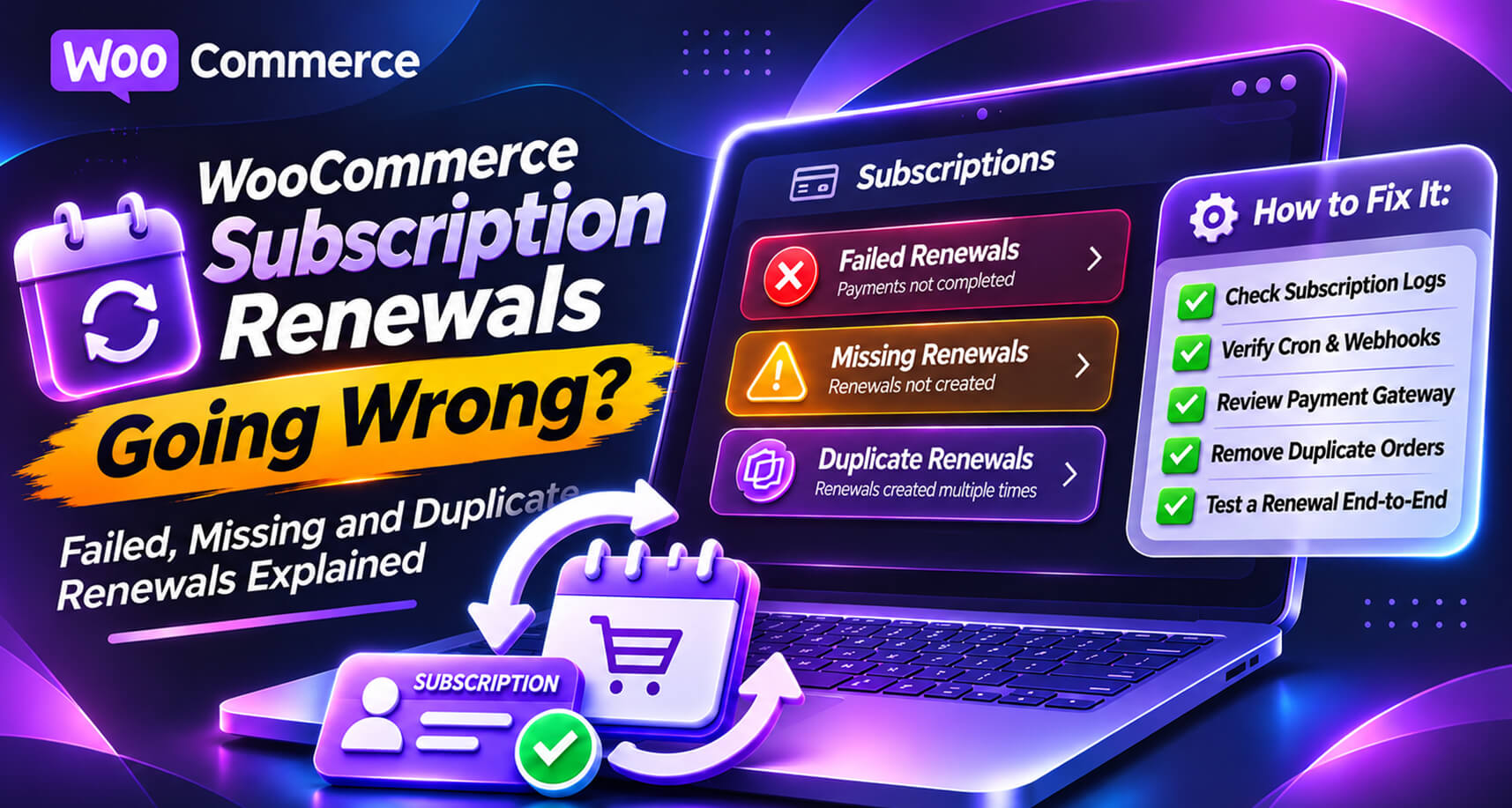
Subscriptions are the best revenue a store can have: predictable, recurring, and earned once. They’re also unforgiving when something goes wrong, because a renewal happens without the customer at the keyboard. Nobody sees an error message. Nobody clicks “try again”. If the renewal fails silently, you lose a month’s revenue. If it runs twice, a loyal customer finds two charges on their statement.
The forums show both sides. Threads on WordPress.org and elsewhere describe duplicate payments for subscription renewals, double charging on renewal, multiple payment intents on renewal even after payment succeeded, and renewals that simply never happened after an update or a change of payment plugin. WooCommerce maintains a whole troubleshooting page for common renewal issues.
This guide explains how renewals actually work, the three ways they go wrong, how to diagnose each, and how to catch them before your subscribers do.
This guide is about renewals in the official WooCommerce Subscriptions extension and similar plugins. Details vary by plugin and gateway, so check your plugin’s documentation for specifics.
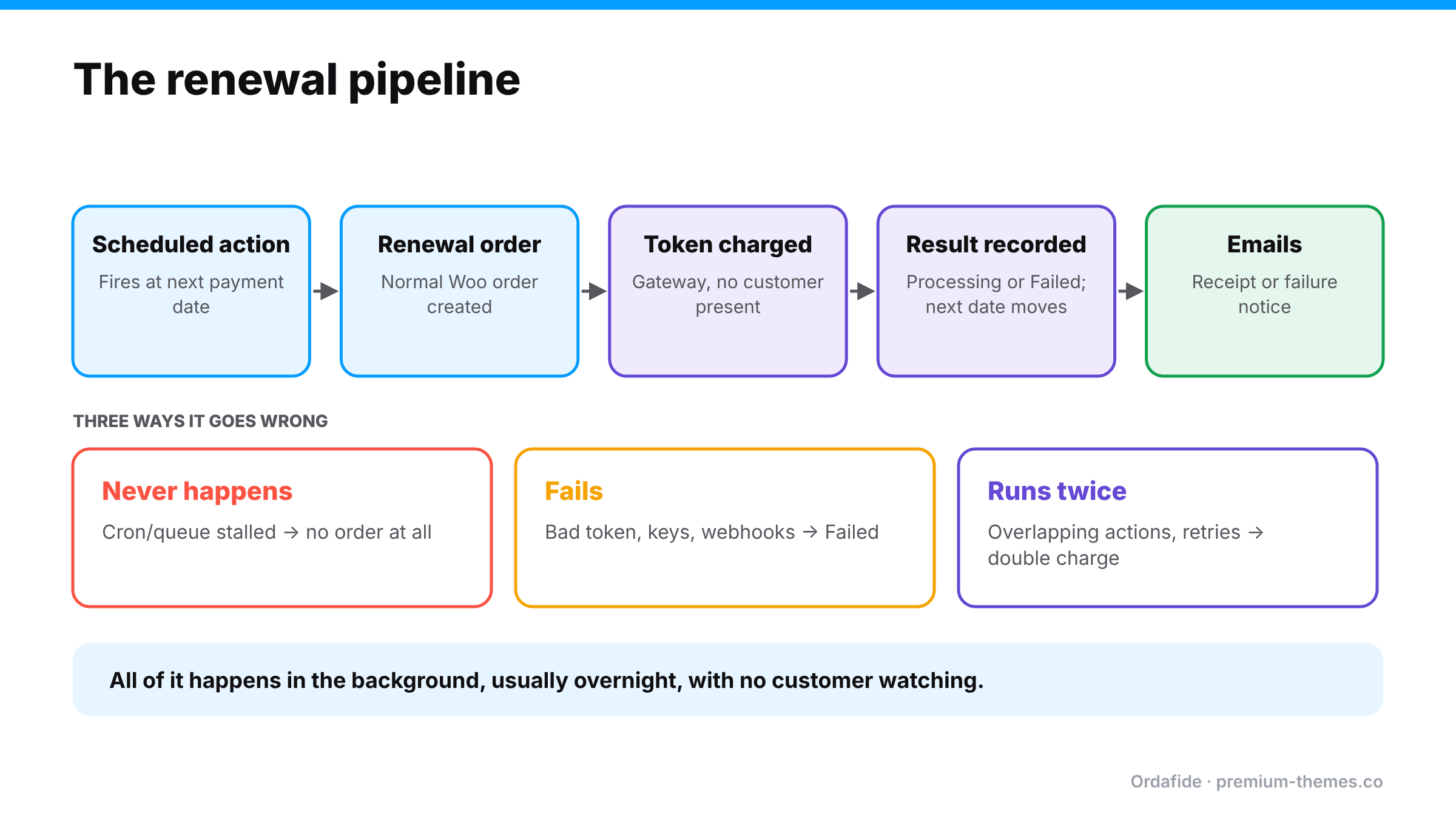
A renewal is a chain of background events:
woocommerce_scheduled_subscription_payment in WooCommerce → Status → Scheduled Actions).Every link in that chain can break, and because it all happens in the background, nothing alerts you by default.
Symptoms: subscriptions show a next payment date in the past; no renewal order was created; revenue quietly drops; subscribers don’t notice (until they do).
Why: WooCommerce’s documentation is direct about it: renewals depend on scheduled actions, and if cron jobs aren’t running or the Action Scheduler queue fails, renewals aren’t created when expected. Common culprits:
Diagnose: in Scheduled Actions, search for the subscription ID. Is the payment action pending and past due? Failed? Open it and read the log.
Fix: fix the scheduler, then let past-due renewals run. For individual subscriptions, WooCommerce documents creating a pending renewal order manually and processing it as a stopgap.
Symptoms: renewal orders in Failed status; subscriptions moved to On hold.
Why: most are ordinary: expired or declined cards, insufficient funds. But some are store-side:
Diagnose: read the renewal order’s notes and the gateway logs. Does the subscription have a saved payment token? Did the gateway actually decline, or did the store fail to ask?
Fix: genuine declines → customer updates their payment method, and a retry system recovers many. Store-side failures → fix the token, keys or webhook, then process the renewal again. Before retrying, check the gateway to make sure the “failed” renewal didn’t actually succeed. Otherwise you create the next problem.
Symptoms: two renewal orders for the same subscription and period; two charges on the customer’s card; angry email or a “duplicate processing” chargeback.
Why: WooCommerce’s troubleshooting guide lists the usual causes:
Diagnose: in Scheduled Actions, look for multiple payment actions with the same subscription ID and timestamp. In the gateway, count the charges for that customer and period.
Fix: refund the duplicate from the duplicate renewal order (so WooCommerce and the gateway agree), cancel duplicate actions, check the subscription’s next payment date, and remove the cause.
A store with 600 monthly subscribers moves to a new host. During the migration, the old and new servers both run for a few hours, and both have WP-Cron active, pointing at the same database.
The fix: refund every duplicate from the duplicate renewal order, check each subscription’s next payment date, and switch off the scheduler on the old server. The lesson is never run two copies of a store against the same database with background processing switched on, and for subscription stores, put staging and migration copies into a mode that doesn’t process renewals.
Before you migrate hosts, change payment plugins, update the subscriptions extension or edit renewal-related code:
So the realistic goal is: notice within a day that the renewal machinery has stalled, that a renewal was charged twice, or that a “failed” renewal was actually paid.
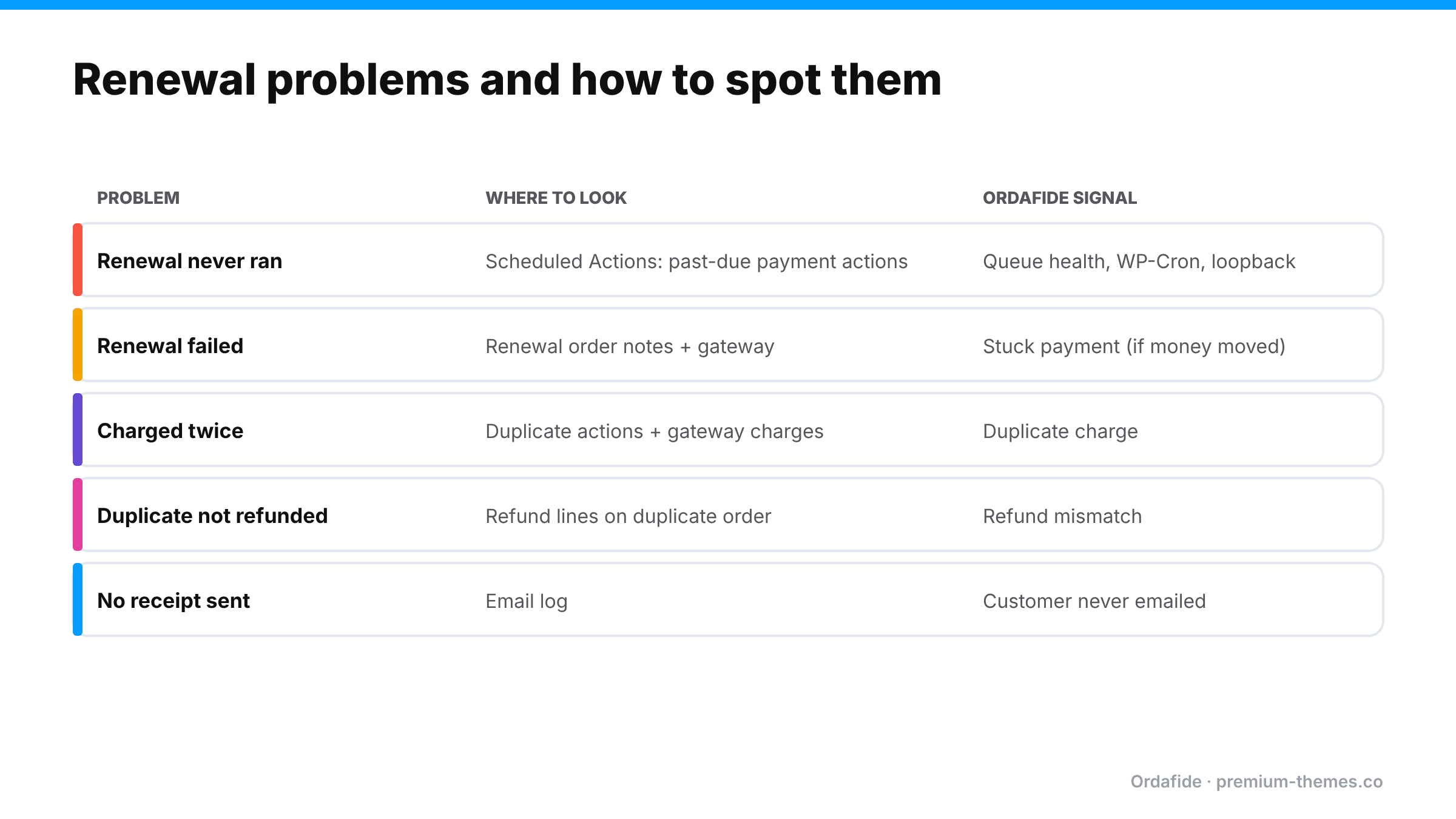
Renewal orders are ordinary WooCommerce orders, so Ordafide’s checks apply to them like any other order, and its store health checks watch the scheduler that renewals depend on.
Ordafide Order Integrity for WooCommerce (free):
Ordafide Pro adds:
Ordafide doesn’t manage subscriptions, retry payments or change renewal dates. Those stay with your subscriptions plugin. It tells you when the orders and the money stop agreeing, and when the machinery behind renewals has stopped.
Subscribers are your most loyal customers, so renewal problems deserve a personal touch:
Most weeks it’s empty. The week it isn’t, you’ll catch the problem days before subscribers do.
Why aren't my WooCommerce subscription renewals processing?
Usually because scheduled actions aren't running: WP-Cron disabled without a server cron, failing loopback requests, or an Action Scheduler backlog. Check WooCommerce → Status → Scheduled Actions for past-due payment actions.
Why was a subscriber charged twice for one renewal?
Common causes are overlapping scheduled actions, manual renewal actions on a renewal already in progress, conflicting plugins, or retrying a renewal that had actually succeeded. Refund the duplicate from the duplicate renewal order.
Should I retry a failed renewal straight away?
Check the gateway first. If the charge actually succeeded, retrying creates a duplicate.
Can Ordafide detect duplicate subscription renewals?
Yes. Renewal orders are WooCommerce orders, and Ordafide's duplicate charge check flags the same payment reference on two orders or identical charges minutes apart.
Can a staging site process real subscription renewals?
It can, if it's a copy of production with live payment credentials and background processing running. Use test keys and your subscriptions plugin's staging protections on every copy.
How do I find subscriptions whose renewal never ran?
Look for active subscriptions with a next payment date in the past, and check Scheduled Actions for past-due payment actions with their subscription IDs.
Should renewals and normal orders be monitored differently?
The checks are the same (stuck, failed, duplicate, refunded), but renewals depend far more on background processing, so queue health matters even more for subscription stores.