WooCommerce Troubleshooting
Handcrafted Beautiful Bootstrap HTML Templates for your Business Website.
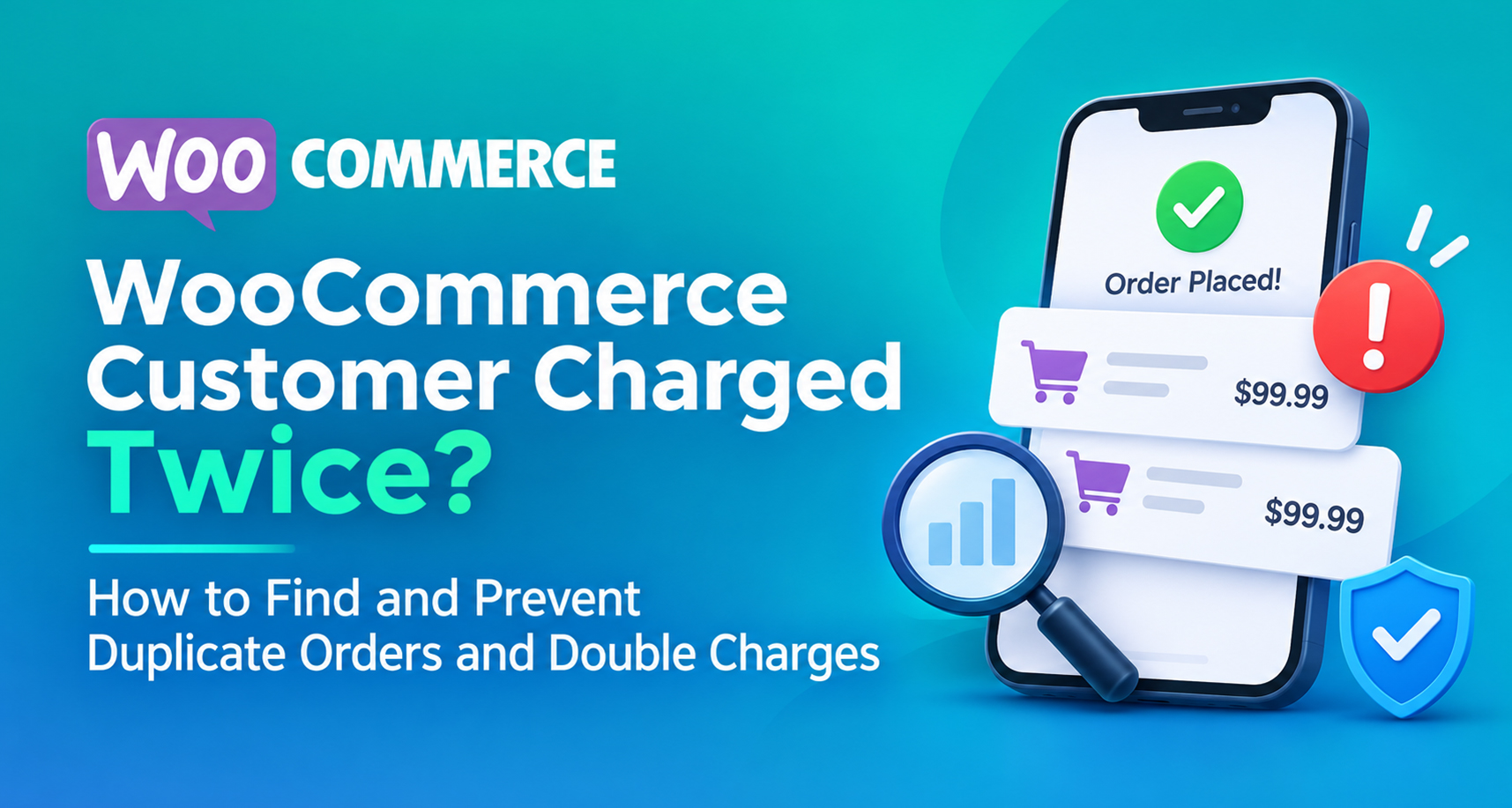
Few emails damage trust faster than “You charged my card twice.”
Double charges are rarely caused by one dramatic bug. They come from ordinary things: a slow checkout, an impatient click, a firewall that retries a request, a payment plugin that times out and tries again. Each one is rare. Across hundreds of orders a month, they add up, and each one that goes unnoticed becomes a refund request, a chargeback, or a one-star review.
This guide covers what causes duplicate orders in WooCommerce, how to find every one in your store, how to refund them without breaking your records, and how to prevent them.
It helps to separate two situations:
The worst case is a second charge with no matching order at all. WooCommerce has nothing to show you, so you only find it in your gateway dashboard, or when the customer’s bank statement arrives.
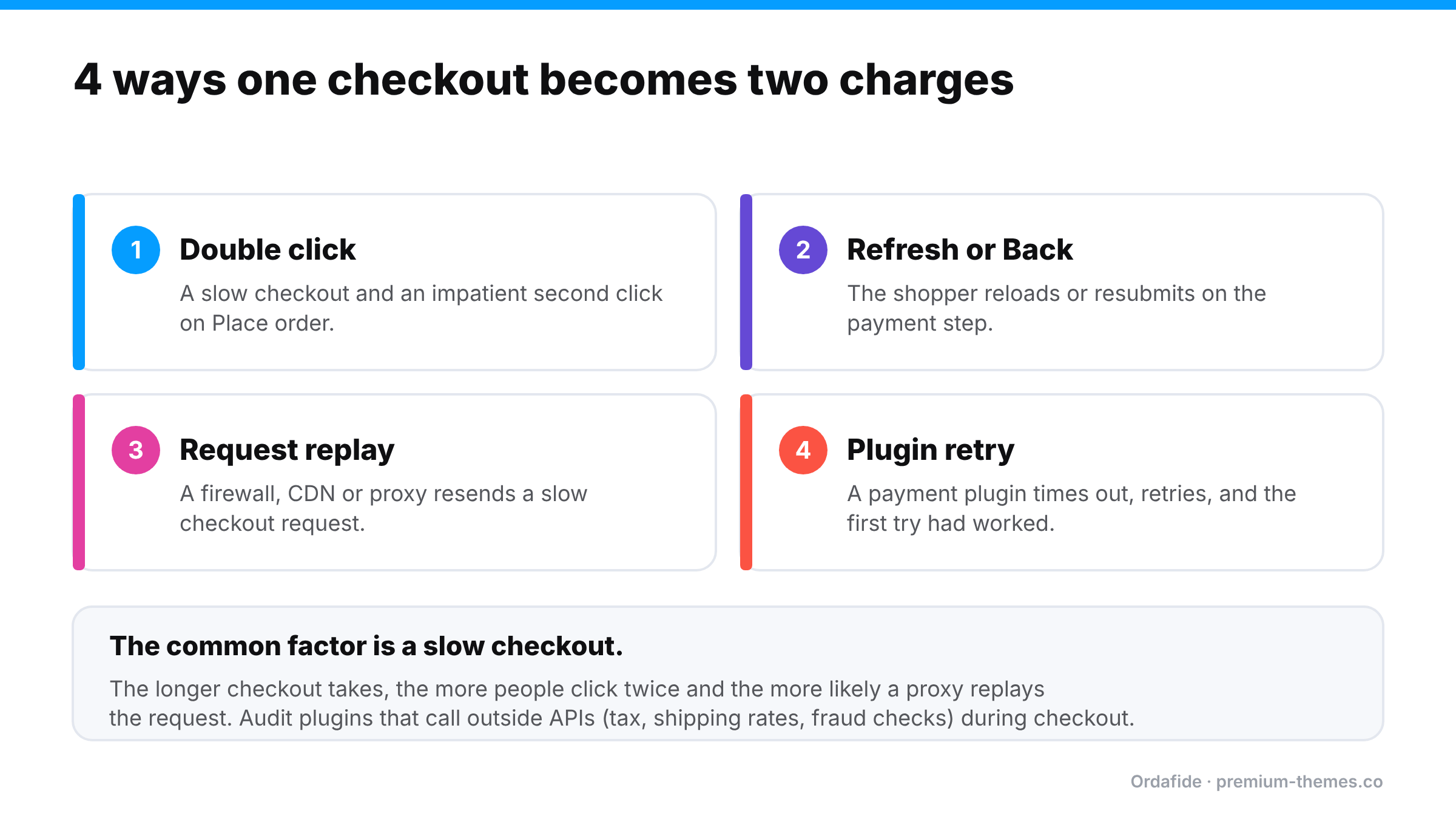
On a slow checkout, shoppers click again. WooCommerce’s classic checkout blocks the form while it processes, but slow pages, custom themes, page builders and some checkout plugins can weaken that protection. A second click can create a second order and, depending on the gateway, a second payment.
A shopper who refreshes on the payment step, or goes back and resubmits, can create a second order with an identical basket.
Some firewalls, CDNs and reverse proxies resend a POST request when the first one is slow to respond, assuming it failed. If your checkout takes several seconds (often because of third-party API calls for tax, shipping rates or fraud checks), the replayed request can process as a brand-new checkout. Sucuri, in particular, has published guidance on configuring it for WooCommerce for this reason.
If the gateway responds slowly, a payment plugin may treat the request as failed and retry. If the first attempt actually succeeded, the customer is charged twice.
Renewal logic that retries a “failed” payment which actually went through can create two renewal orders and two charges.
Occasionally a plugin conflict attaches the same gateway transaction to two different orders. You see two “paid” orders but only one payment. This inflates your revenue reports and can lead to shipping two parcels for one payment.
In WooCommerce → Orders, sort by date and look for the same customer email, same total and same items within a few minutes of each other. On a small store this is tedious. On a busy store, it isn’t realistic to do by hand every week.
Open each suspected pair and compare the gateway transaction IDs. Two orders with the same transaction ID usually means one payment, two orders. Two orders with different transaction IDs means two real payments.
Search your Stripe or PayPal dashboard for the customer’s email. Count the successful payments for that basket and compare against the orders in WooCommerce. This is the only way to catch a second charge that never produced an order.
‘WooCommerce → Status → Logs’ and your server access logs can show whether two checkout requests arrived close together. That tells you whether it was the shopper, a replay, or a plugin retry, and that decides the fix.
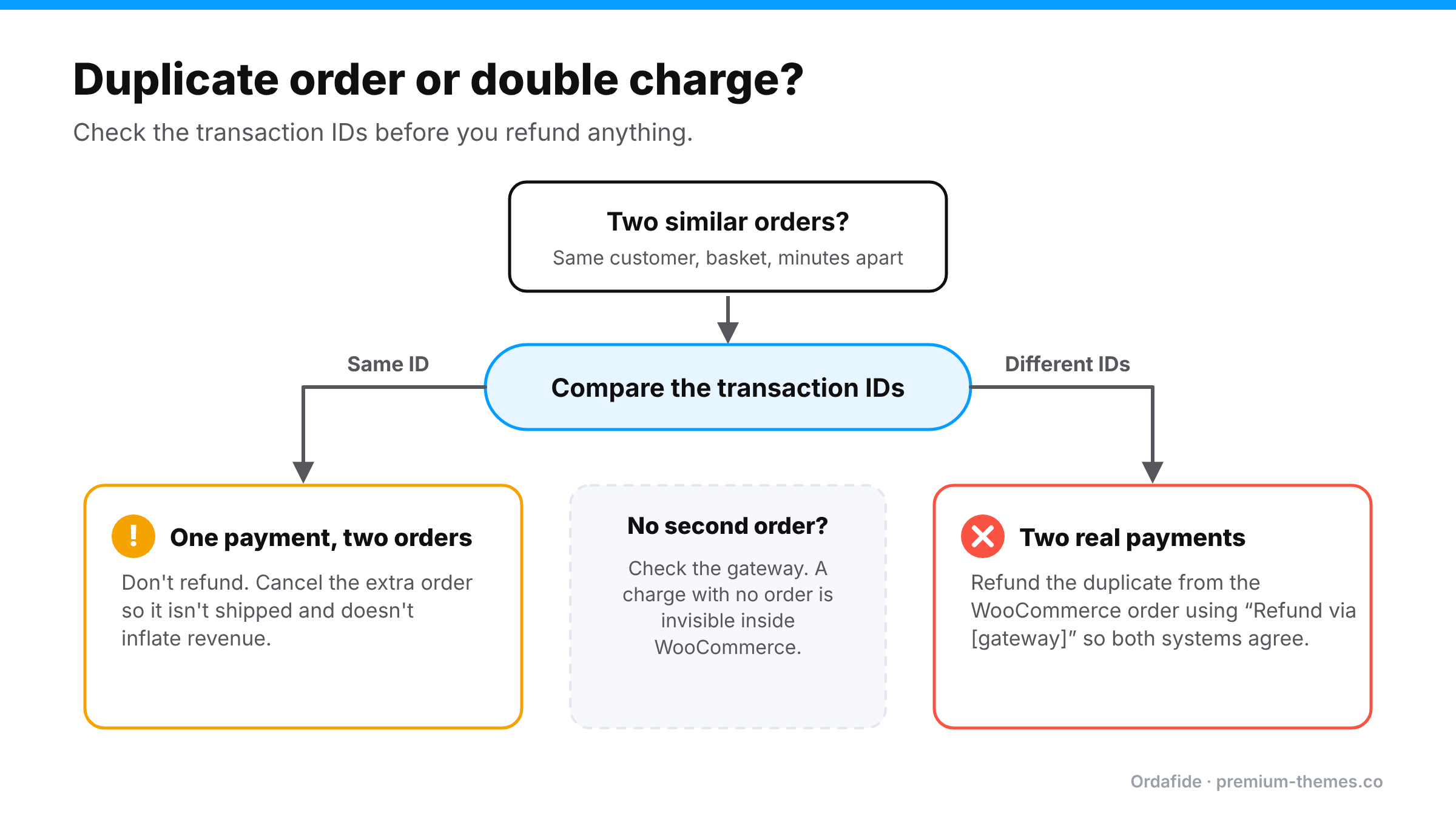
The cleanest fix keeps WooCommerce and your gateway in agreement:
Ordafide Order Integrity for WooCommerce is a free plugin that scans your recent orders and flags problems in plain sentences, sorted by money at risk. Its Duplicate charge check looks for:
It also runs a Refund mismatch check that catches orders marked Refunded with no refund record, refunds larger than the order total, and fully refunded orders still marked Processing, so a refunded duplicate doesn’t get shipped anyway.
The duplicate window and other thresholds are configurable, findings you’ve reviewed can be ignored, and the plugin never captures, refunds or voids a payment. Everything runs on your own server.
The one case a store-side scan can’t see is a charge with no order. Ordafide Pro covers it with read-only reconciliation against Stripe, PayPal, Square, Mollie and Razorpay, flagging money with no order, paid orders with no payment, and amount disagreements.
Why did my customer get charged twice on WooCommerce?
Usually a double click on a slow checkout, a page refresh during payment, a firewall or proxy replaying the checkout request, or a payment plugin retrying after a timeout.
How do I refund a duplicate WooCommerce payment?
Refund it from the duplicate order in WooCommerce using Refund via gateway, so the refund is recorded in both systems.
Can a customer be charged twice with only one WooCommerce order?
Yes. If the second charge’s order was never created, WooCommerce shows nothing. Only comparing against the gateway, manually or with a reconciliation tool, will find it.
Does WooCommerce prevent duplicate orders on its own?
It has basic protection against repeat form submission, but it can’t stop request replays, plugin retries or every theme customization. Monitoring is the reliable safety net.