WooCommerce Troubleshooting
Handcrafted Beautiful Bootstrap HTML Templates for your Business Website.
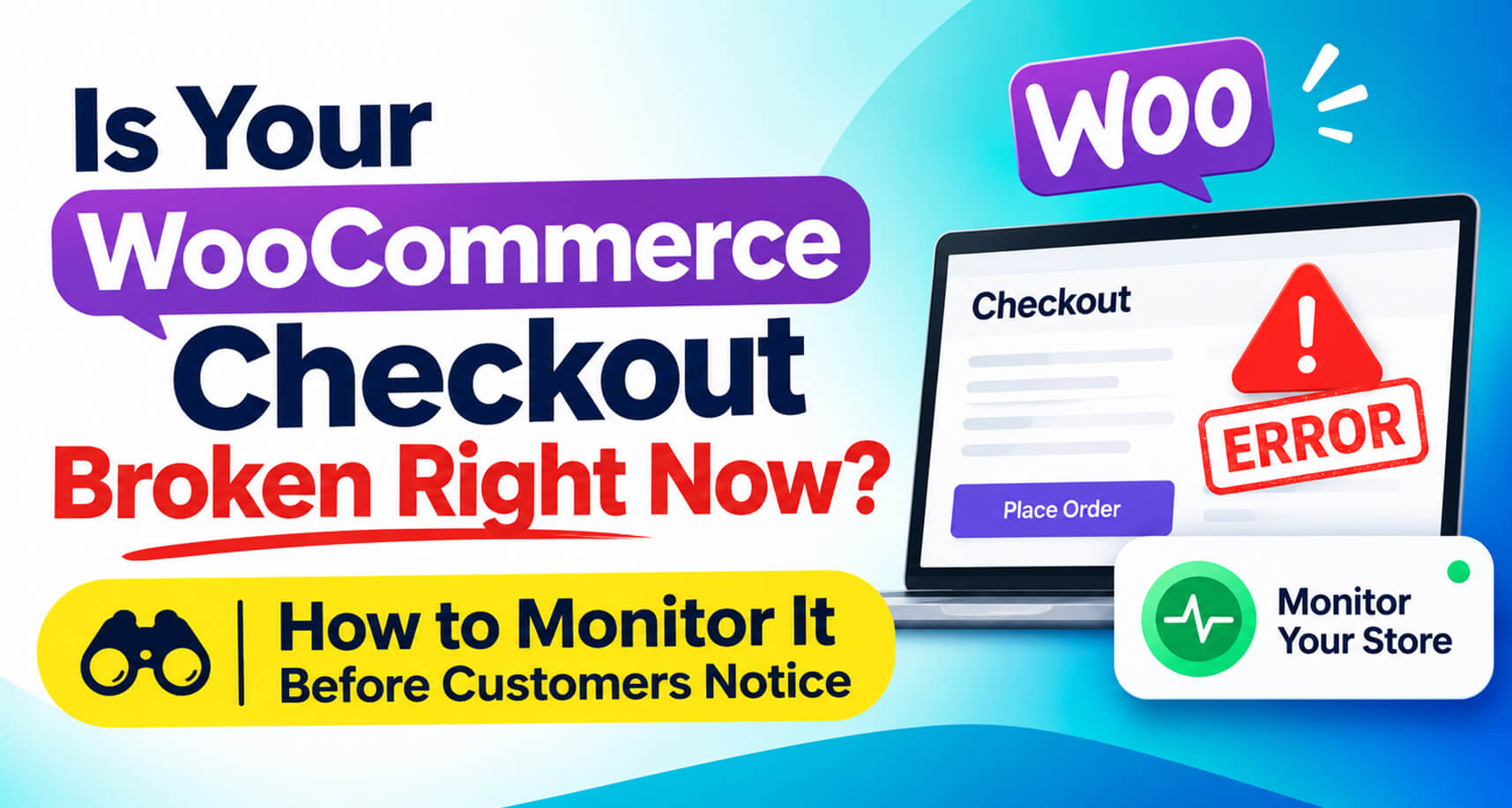
Here’s a scenario that plays out on WooCommerce stores every day.
A plugin auto-updates overnight. The home page loads. Product pages load. Your uptime monitor shows a green tick. But the checkout throws a JavaScript error, or the payment step silently fails, or the cart empties itself on the way to checkout.
You find out two days later, when someone finally emails to say they couldn’t pay. Or you don’t find out at all, and just wonder why sales were slow that week.
Uptime is not the same as “customers can buy.” This guide explains what actually needs monitoring on a WooCommerce store, the free and paid ways to do it, and a practical setup for both single stores and agencies.
A typical uptime monitor requests your home page every few minutes and checks it returns a 200. That catches a crashed server. It misses almost everything that loses money in WooCommerce:

Think about it in four layers.
Not just the home page, but shop, a product page, cart, and checkout, plus the Store API endpoints the block checkout uses. Each should load quickly and without errors.
The real test is adding a product to the cart and reaching checkout. That’s where most plugin conflicts show up. This is called synthetic monitoring: a script behaves like a shopper on a schedule.
A word of caution: synthetic tests should not place real orders. Test orders pollute your reports, trigger fulfilment, and can create real charges. Good synthetic checks stop before payment.
Orders can be created and still be wrong: stuck on Pending payment, charged twice, cancelled despite payment, missing a confirmation email. That needs integrity checks on the orders themselves. (See stuck pending orders) and (double charges.)
Sometimes nothing is technically “broken” by any test, but orders stop anyway. Comparing the current hour’s orders against comparable past hours (same day of week, same time of day) catches drops and spikes that point to a problem. The trick is avoiding false alarms on naturally quiet hours, which is why median-based comparisons work better than simple averages.
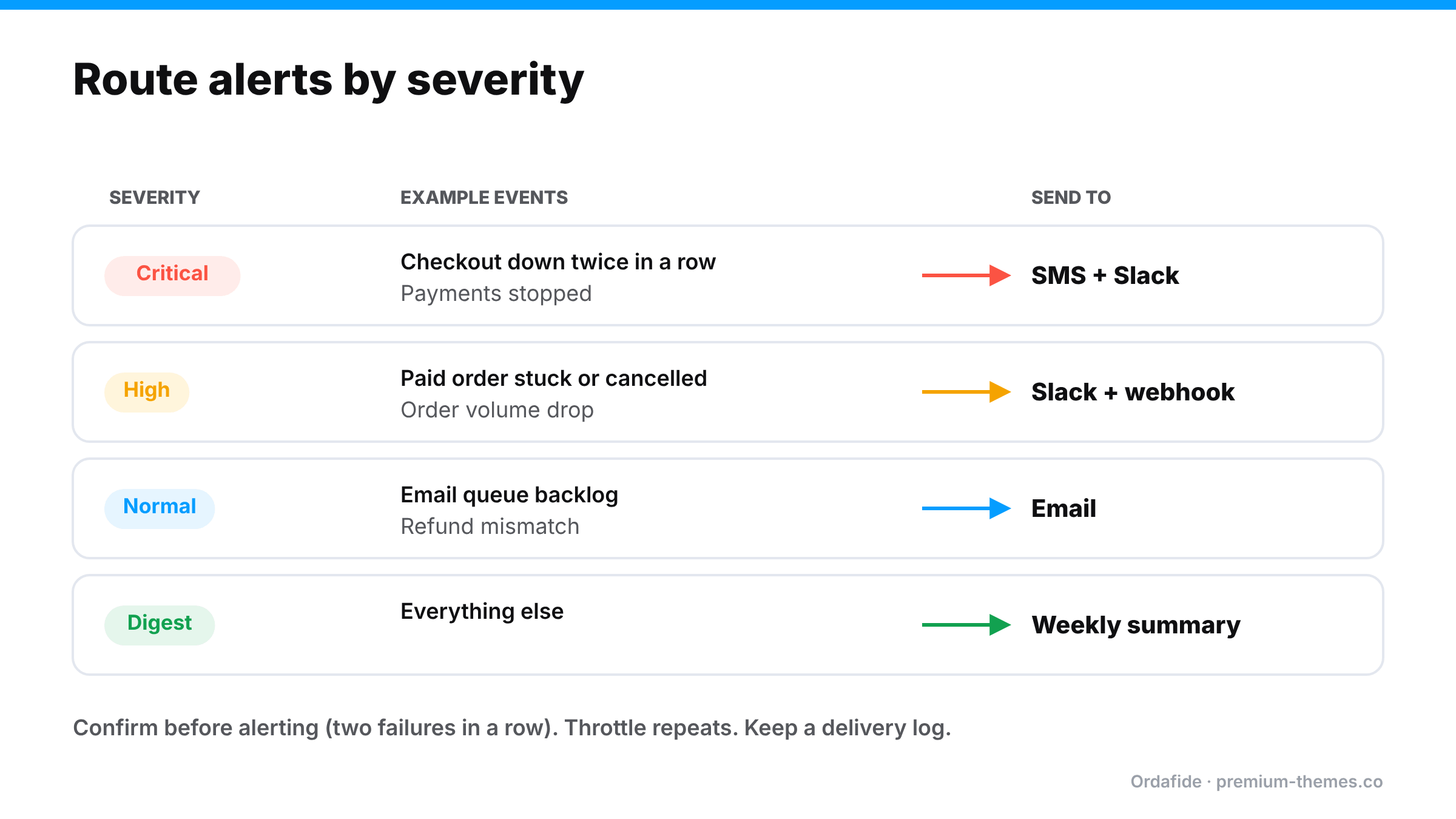
Monitoring is useless if the alert goes to an inbox nobody reads, and equally useless if it fires so often everyone mutes it. Good alerting means:
You can get decent coverage for free:
That covers layers 1 and 3 reasonably well. It leaves gaps in layers 2 and 4, and it relies on someone remembering to look.
Ordafide Pro fills those gaps:
If you maintain WooCommerce stores for clients, a broken checkout is an emergency you want to hear about before the client does, not from them.
What matters at agency scale:
Ordafide’s free plugin includes WP-CLI commands (`wp ordafide scan`, `wp ordafide findings`, `wp ordafide health`, `wp ordafide digest`). Ordafide Pro adds a multi-store agency dashboard built on signed hourly snapshots that contain only counts and totals, not customer data. It flags any store that’s been silent for two hours, and the Agency licence adds per-store alert routing.
How do I know if my WooCommerce checkout is broken?
Uptime monitors usually won't tell you. Use synthetic monitoring that loads the cart and checkout on a schedule, plus order-volume anomaly detection and order integrity checks.
Can I monitor WooCommerce checkout without creating test orders?
Yes. Good synthetic monitoring checks shop, product, cart, checkout and the Store API, and can add an item to a cart, without ever placing an order. Ordafide Pro works this way.
How do I get Slack alerts for WooCommerce problems?
Use a monitoring plugin that supports Slack. Ordafide Pro sends Slack, SMS, email and webhook alerts with severity routing and throttling.
What's the best way for an agency to monitor many WooCommerce stores?
A central dashboard that receives privacy-safe summaries from each store, flags stores that go silent, and routes alerts per store. WP-CLI commands help with scripted checks.